Vendor App
Store management and execution system
Detailed vendor-side journey presented in the same alternating showcase format as the source web app.
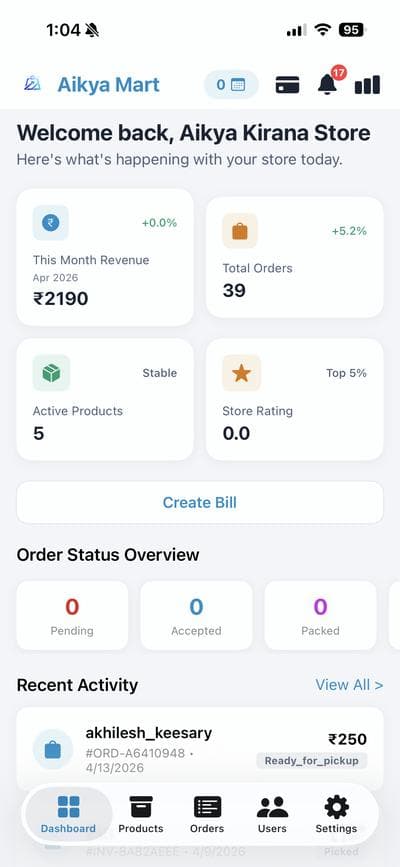
Vendor Dashboard at a Glance
Operational home with revenue, active orders, and product activity snapshots.
- Daily operations overview
- Order status awareness
- Performance-first layout
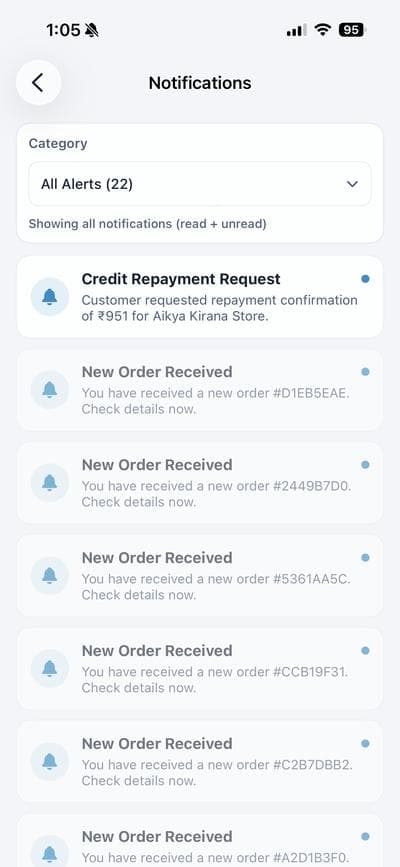
Notification Feed
Alert stream for orders, repayment signals, and business-critical events.
- Centralized alert feed
- Faster operational response
- Reduced missed actions
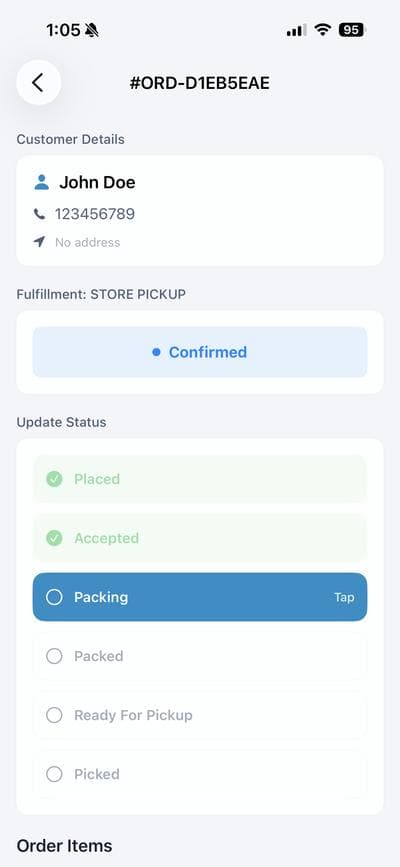
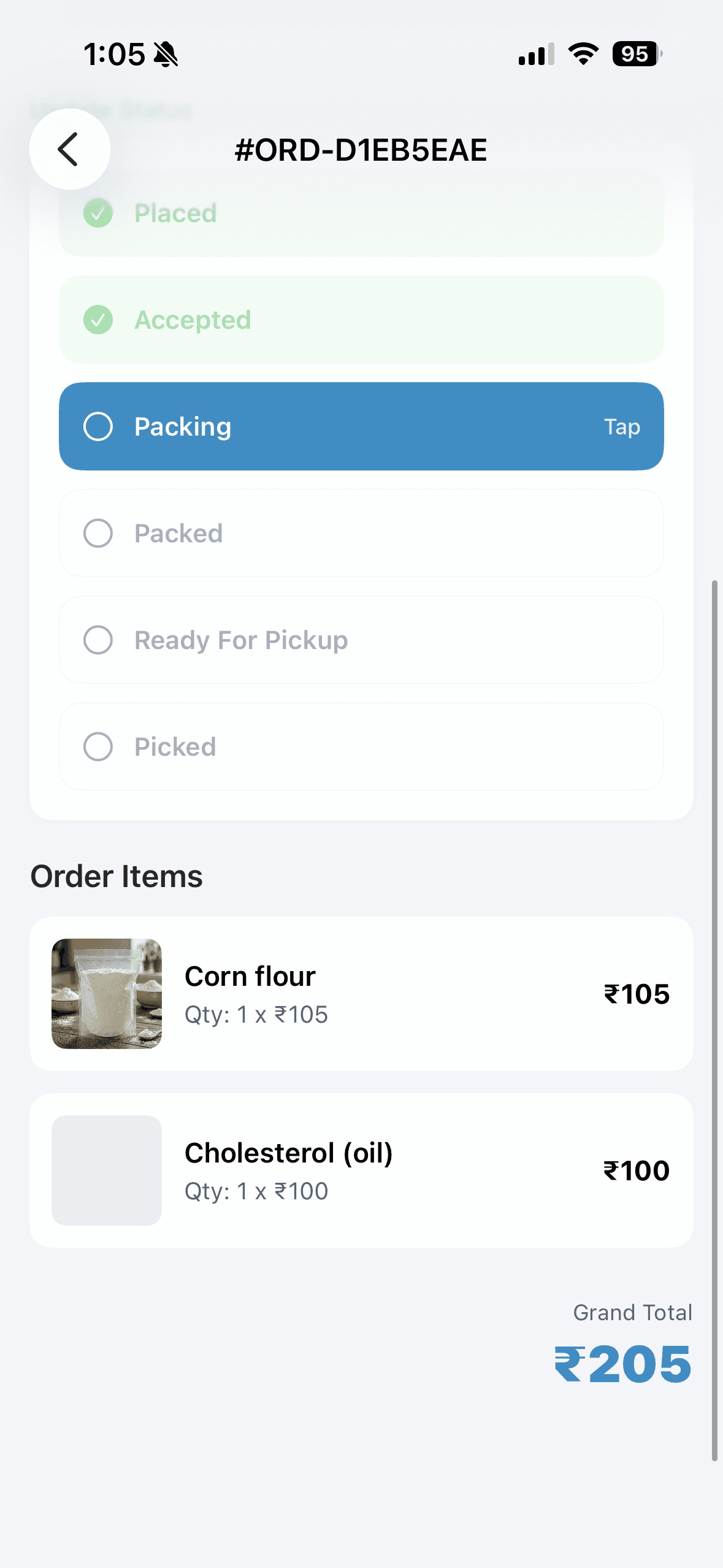
Order Status Progression
Structured order stage transitions for consistent fulfillment execution.
- Pending-to-complete flow
- Clear processing states
- Better team coordination
Order Item Detail
Detailed order view with item-level clarity and customer-linked context.
- Item-by-item validation
- Context-rich processing
- Lower handling mistakes
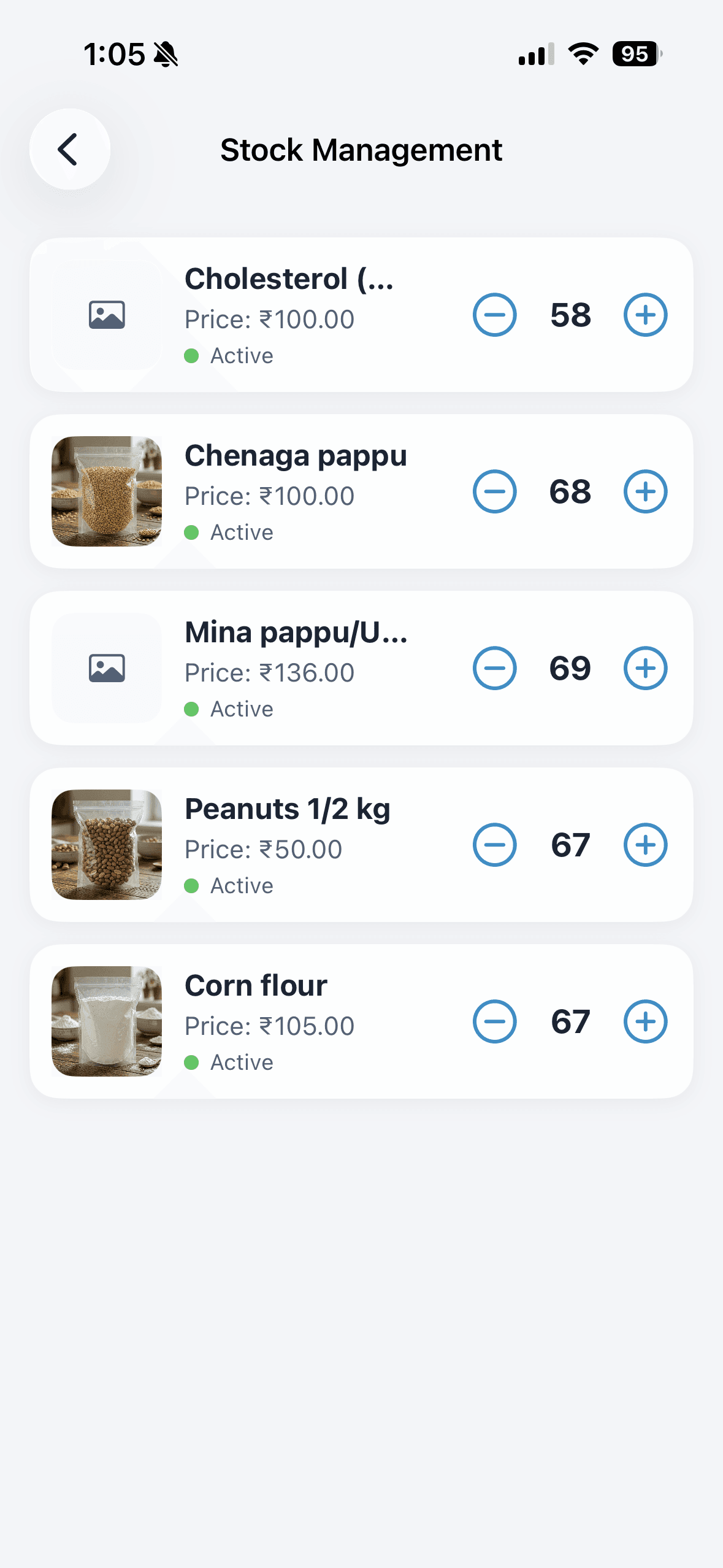
Stock Management
Inventory control tools for quantity updates and stock-aware catalog health.
- Live stock visibility
- Quick quantity actions
- Sales continuity support
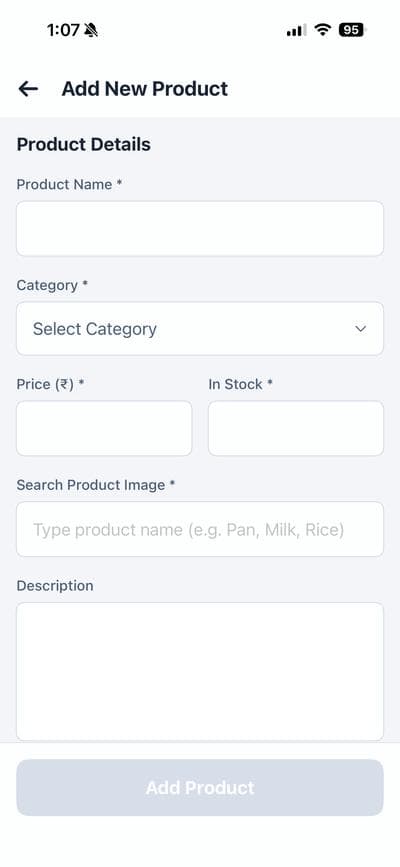
Add Product Flow
Product onboarding with structured form flow for faster catalog growth.
- Simple add-product journey
- Consistent listing quality
- Faster store setup
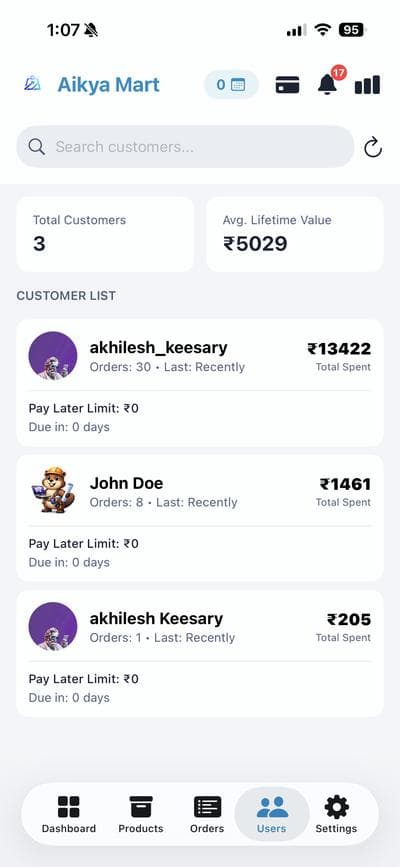
Customer Directory
Customer list with direct access to relationship and transaction context.
- Customer-centric lookup
- Contextual engagement view
- Improved service continuity
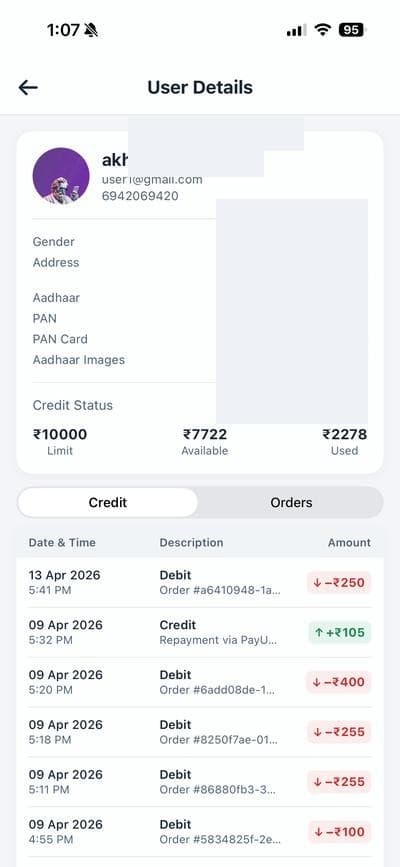
Customer Profile Detail
Per-customer profile context to support credit and order decisions.
- Profile-level visibility
- Credit behavior understanding
- Support-ready context
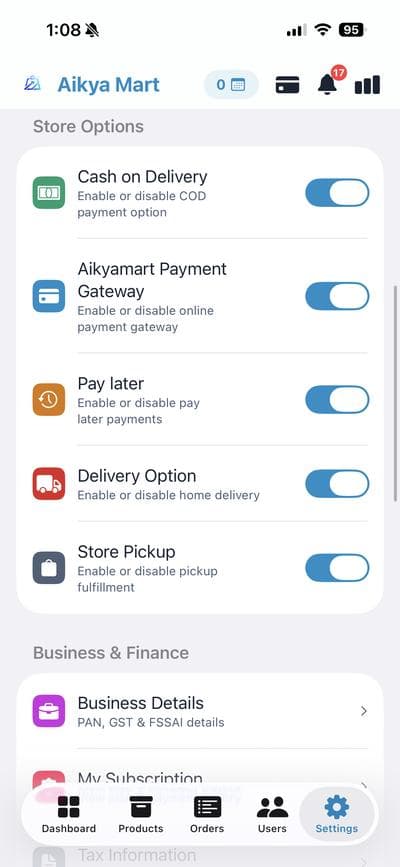
Settings and Store Controls
Business settings and store options for operational control at owner level.
- Store-level controls
- Mode and policy configuration
- Stable day-to-day management